

Fluent Player : Mobile Responsivness & Audio Control Issues (impacting paying clients)
Hi Fluent Community team,
I’m reporting an issue that is directly affecting my paying clients, so I’d really appreciate a quick response.
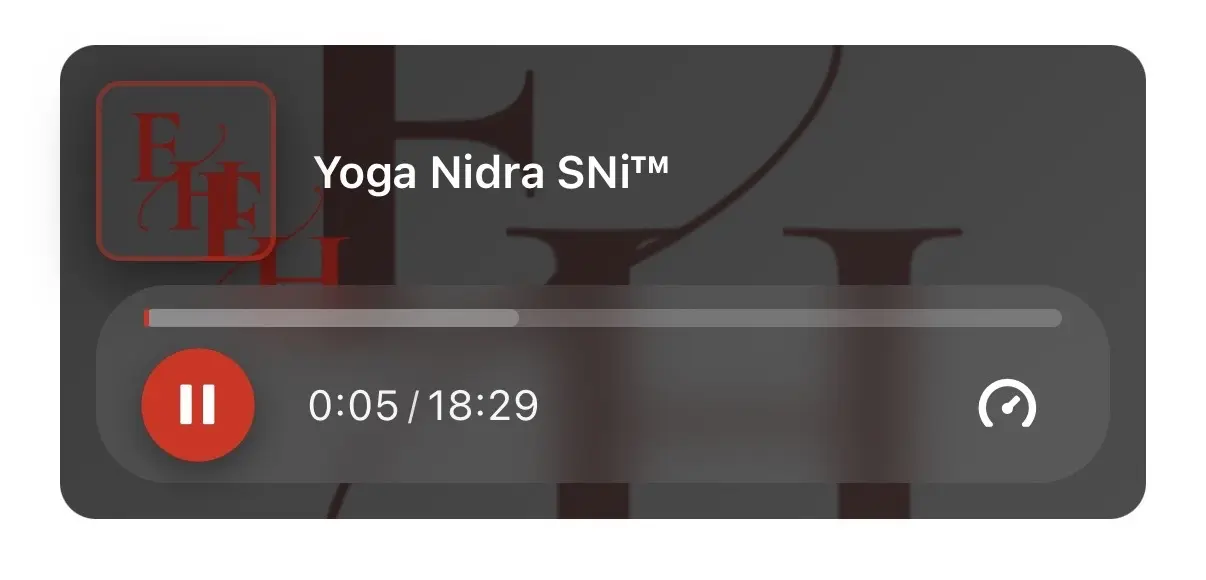
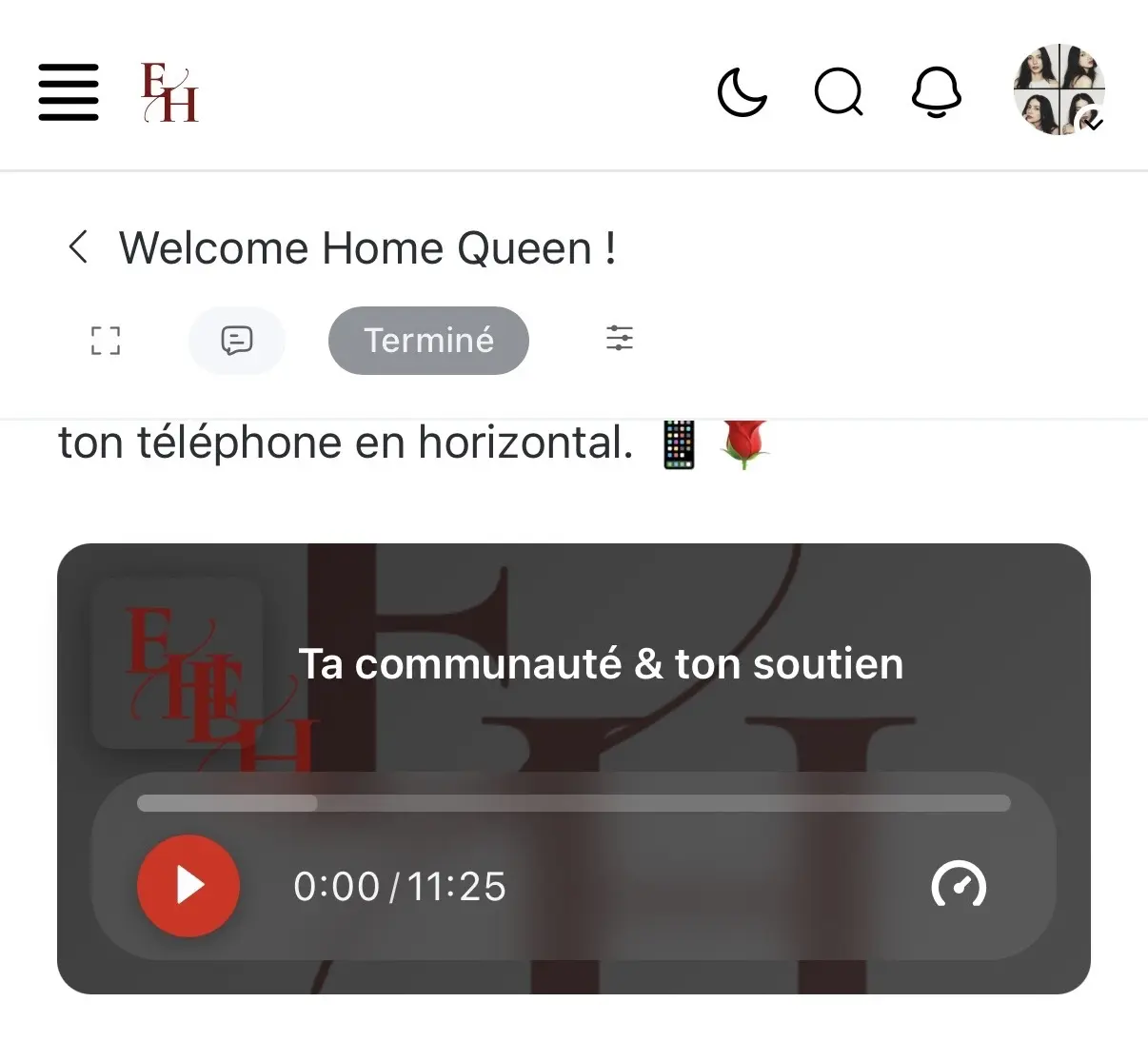
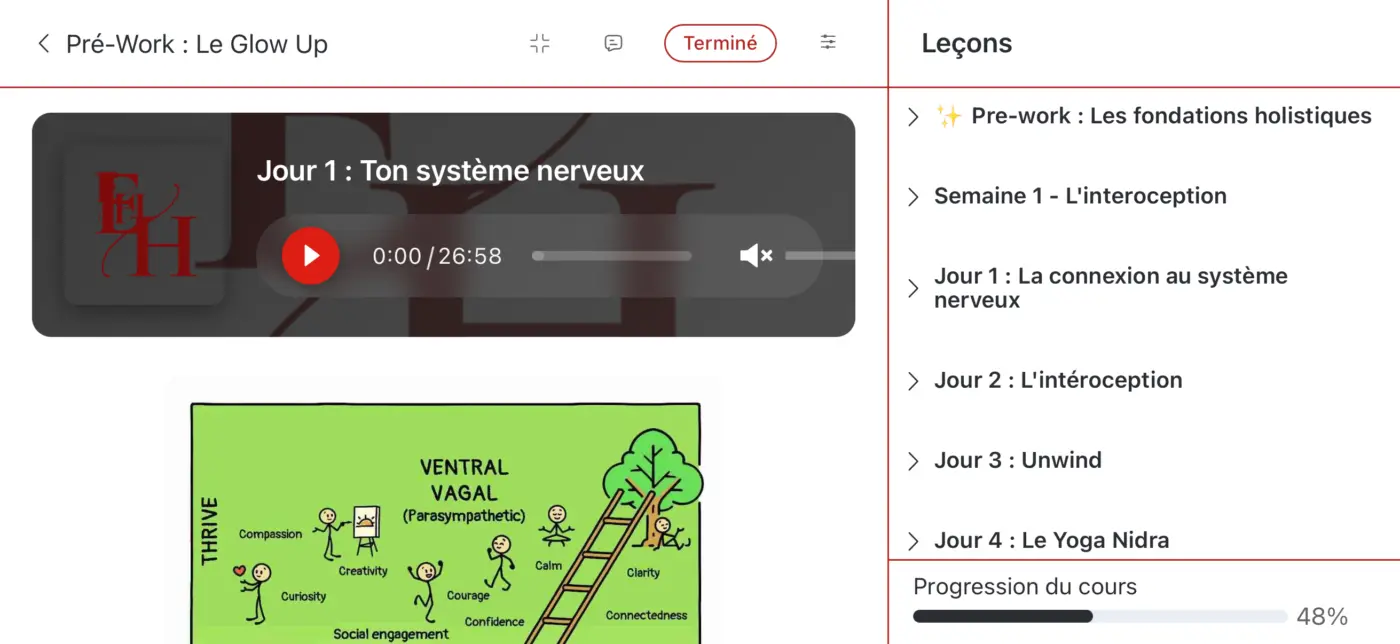
I’ve been using Fluent Player since its launch, but there’s been a persistent problem on mobile: the player is not responsive. As you can see in the attached screenshot, my clients don’t have access to the sound controls, and the audio is muted by default on mobile.
I’ve tried everything on my end to fix this, even custom code solutions, but nothing has worked so far.
The only workaround I found is asking users to rotate their phone to landscape mode to access the sound settings. However, on some mobile devices, this doesn’t work either, the sound icon doesn’t appear at all.
Second issue: the poster/logo display. As shown in the screenshot, when I add my logo in the cover settings, it appears duplicated alongside the logo set in the video settings. If I remove the cover logo, then no logo appears at all, just the default music note image.
Third issue: branding and player customization. I’ve customized the Fluent Player with my brand colors in the main settings, as well as on each audio, and also adjusted the player style. Unfortunately, none of these customizations are reflected on the client side, the default colors and style are showing instead.
On the editor (desktop) side, everything looks fine. But on the member side, the issues are exactly as described above.
Could you please look into this as soon as possible? This is impacting the experience of my paying clients and can lead to frustration.
Thank you.
Lamia

Hey thanks for the report, I've passed this to the devs. They've asked what version you are using?

Hey Taylor Drayson Thank you for your time. I am currently using version 2.3.0.
Hey Taylor Drayson Here is a screenshot from my paying client, taken on her iPhone 12, even in landscape mode 

Lamia Can you tell me your fluent player plugin version?
Hey Lukman Nakib I have the 1.0.4

Lukman Nakib Quick update: with the latest version of Fluent Community, things are looking great. The sound button is now visible, as shown in the screenshot, and the brand colors look solid. The only issue is the poster/logo, there hasn’t been any improvement there. 


Has this been officially released or is this beta?
Hello David Freeman It’s been a while, almost a month, I think, since the free version of Fluent Player was released. The Pro version isn’t available yet at the moment. As far as I know, in the Fluent Community settings you can enable Fluent Player Free: https://fluentplayer.com/
