

Missing icons in bottom menu?
Anyone noticed missing icons in bottom menu?
I use Fluent template override snippet to show all pages inside fluent community frame and today I noticed missing icons in bottom menu on all wordpress pages. I tried deactivate all snippets and CSS changes I made to my website and it did not help. In inspect element I am also not able to fix it, I looks like el icons are not loading outside of FC in bottom menu.
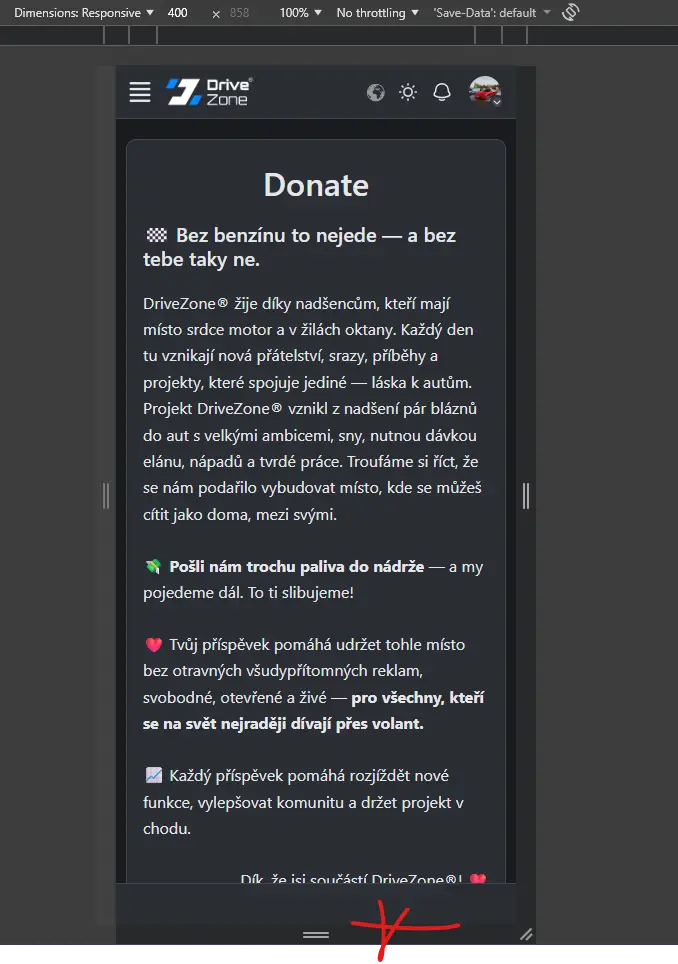

It looks like a bug or CSS error.

Artur Abakarov yea but even if I throw out all css changes I made I still dont see it :D
Drive Zone Could they be stored in your browser cache?
I had a glitch with settings rolling back due to browser cache, and once, before I saved the WordPress permalinks again.s.
Artur Abakarov I have all caching disabled atm due to development, object cache, cloudflare etc., it is problem on more browsers even another users experience it same as me.
Artur Abakarov to me it looks like svg library is just not loading. I dont see SVGs even in html code. Inside of fluent community I see SVGs in code.


This has happened to me, the problem is in your settings, custom js code. Check your js script codes if you have an error like opening or closing script tag or words written outside a script tag.
The fault is from your custom js script in settings. Remove all the scripts there and your bottom menu will be available again
WiLson Eberechi Not the cause. Tried delete everything in JS editor too and did not help.
Drive Zone when you do that, delete cache, js cache is strong on Chrome browser, so use other browser to test your work
WiLson Eberechi tested also in opera, still same problem. Cache flushed serveral times.
I plan launch my site on Monday but without working bottom menu on WP pages on mobiles it will confuse a lot of people. Support already confirmed it will be fixed in next version but I cant wait so long.