

Hosted with Snippet
Just like they have here on the feed right sidebar. Thankfully Shahjahan Jewel provided the hook they use for the feed area. From there I dug around the code and found the hook for site wide as well. Here's both versions
You can view it in action here: https://jeffbrigman.com/community/
And yes, it's also hosted with xCloud.
For site wide display (feed & spaces), you can get the code here: https://jeffbrigman.com/community/space/fluent-community/post/right-sidebar-hosted-with
Show only on feed sidebar
add_filter('fluent_community/activity/after_contents', function ($content, $spaceId) {
    return '<div style="text-align: center;"><p style="display: flex; gap: 6px; margin-top: 0; justify-content: center;">Hosted with <a target="_blank" rel="noreferrer noopener" style="display: block;" href="https://xcloud.host?fpr=wpmn_email"><img style="width: 60px;" src="https://d2caaow1b6whjp.cloudfront.net/b654bbe2-4d89-481f-a4e4-f1a070e71795/img/x-cloud_blue.svg" /></a></p></div>';
}, 10, 2);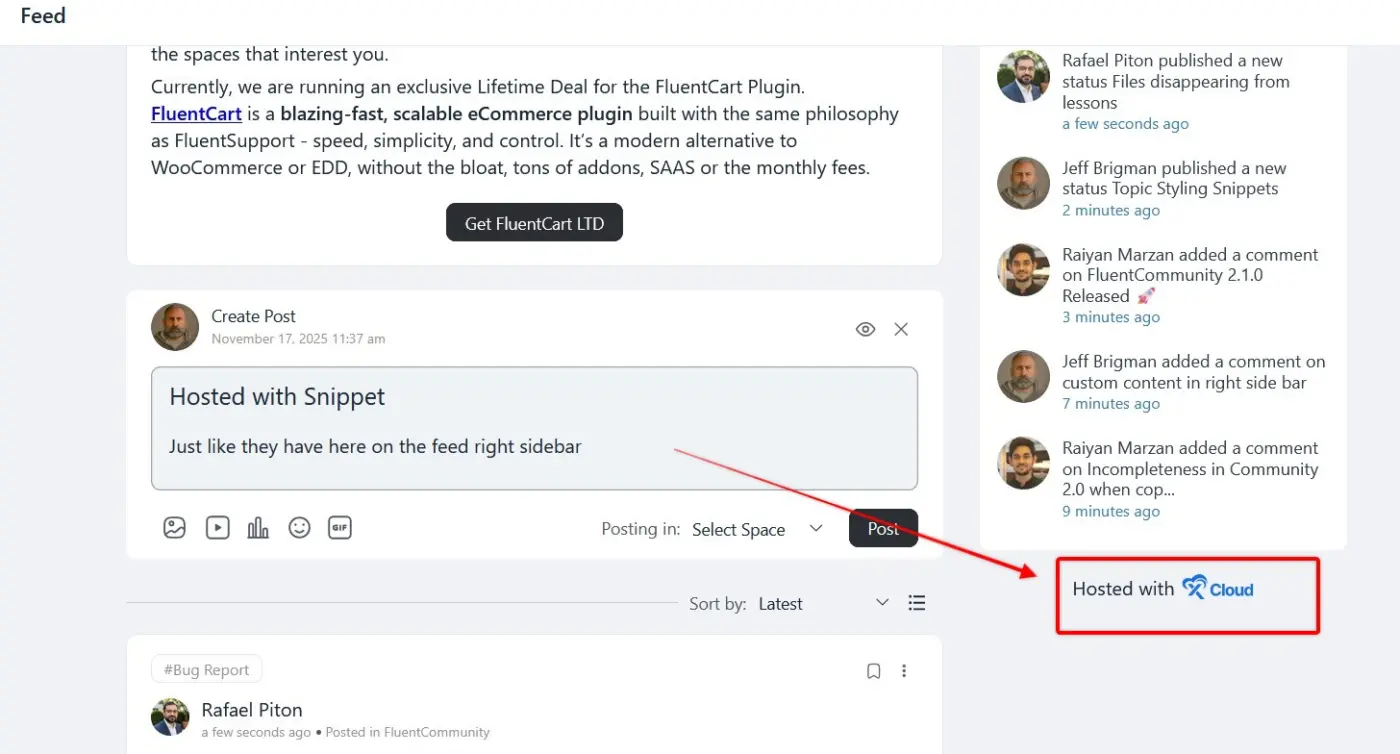
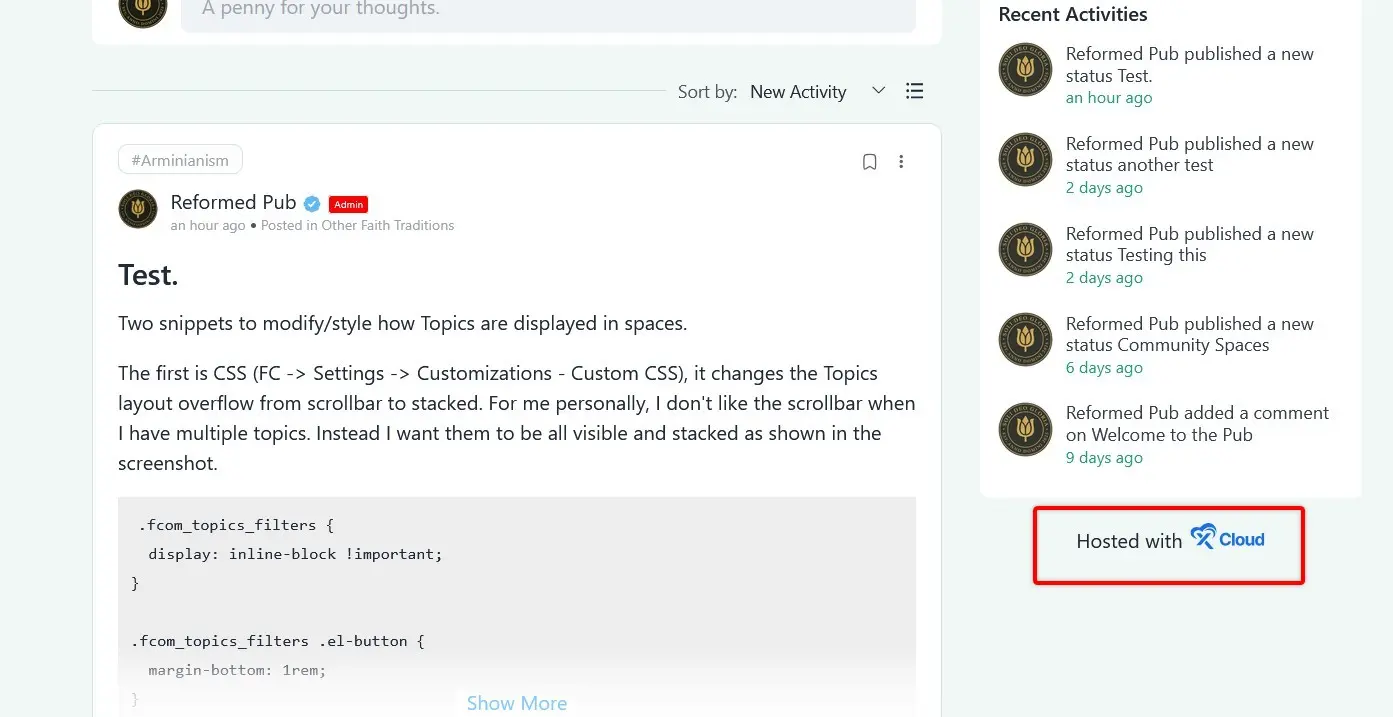

This is the snippet we use:
add_filter('fluent_community/activity/after_contents', function ($content, $spaceId) {
    return '<div style="text-align: center;"><p style="display: flex; gap: 6px; margin-top: 0; justify-content: center;">Hosted with <a target="_blank" rel="noreferrer noopener" style="display: block;" href="https://xcloud.host?fpr=wpmn_email"><img style="width: 60px;" src="https://d2caaow1b6whjp.cloudfront.net/b654bbe2-4d89-481f-a4e4-f1a070e71795/img/x-cloud_blue.svg" /></a></p></div>';
}, 10, 2);
Shahjahan Jewel even better. I was in a rush to go to lunch and didn’t look to see if a hook was available or not.
Is it possible to display across all spaces also?

Jeff Brigman That is what I wanted to do. Thanks for helping with sorting this out. A code snippet is preferable to a plugin to accomplish this, for sure! Just need what you asked for above now, and would really appreciate help to specify location to the top, above contents. could it be as simple as '''add_filter('fluent_community/activity/after_contents'''? Very interesting topic for your community too! Love it 🙏
Jeff found the other hook for site wide, updating the original code because it's always better to use built in ways.
Shahjahan Jewel how do you format code in a message like that?

markdown tilde character to the left of #1 on keyboard....
- inline = start and finish with (1) tilde ~
- box = start and finished with (3) tilde ~~~
Jeff type forward slash / and then you you will get code snippet and other blocks. It also supports markdown.
Shahjahan Jewel ok, thanks. Wouldn't it be best to put a little button next to emoji and gif, that allows that and explains so people know? otherwise how would we know? did I miss something that I should have known?