

Fluent community issue?
I've opened the ticket 15 hours ago with no response.
ticket #155309
I have a community, and it’s on a different site on a subdomain of my main domain—two different WordPress sites, one for the community and one for the blog. The community is up and running, but when sending digest emails, I’m getting a strange reference that the site is unavailable. Here is an example. Please help.
The link in the email to "join the conversation" is leading to a Cloudflare "bad gateway" error (see image).
Shahjahan Jewel can you please advise?

Same problem here. I got this problem also a lot recently. Also with auto login links from email. I though this was an server issue because we migrated recently to Nginx server. I highered the PHP workers I though it was something related to this after some research. There are a lot of polling requesta going out from Fluent community this is also something I found out but did found a way to rate limit this yet.

Can you check your server's error log and share if you find the exact error so I can take a look.
PS: I have removed the screenshot as it had personal info.
The 502 Bad Gateway error you're seeing is actually a server-level issue, not a bug in the signed URL/auto-login
feature itself. The Cloudflare error page confirms this — it shows your origin server (community.crm.buzz) returning
a "Host Error," meaning the server is failing to respond properly.
The auto-login link format is correct and the code processes it fine. Here's what to check:
-
Check your PHP error logs
Add this to your community site's wp-config.php if not already there:
define('WP_DEBUG', true);
define('WP_DEBUG_LOG', true);
define('WP_DEBUG_DISPLAY', false);
Then click the link again and check wp-content/debug.log for any fatal errors. -
Plugin conflict on the community site
When you click the auto-login link, the plugin logs you in and fires WordPress's wp_login action. If another plugin
on your community site hooks into that action and crashes, it would cause a 502. Try temporarily deactivating other
plugins on the community site and test the link again.
PS: Please reply to your ticket.

Shahjahan Jewel I'm using Magic Login Pro on my site, not FluentOAuth
I'm using Magic Login Pro elsewhere on this site and want to keep using it.
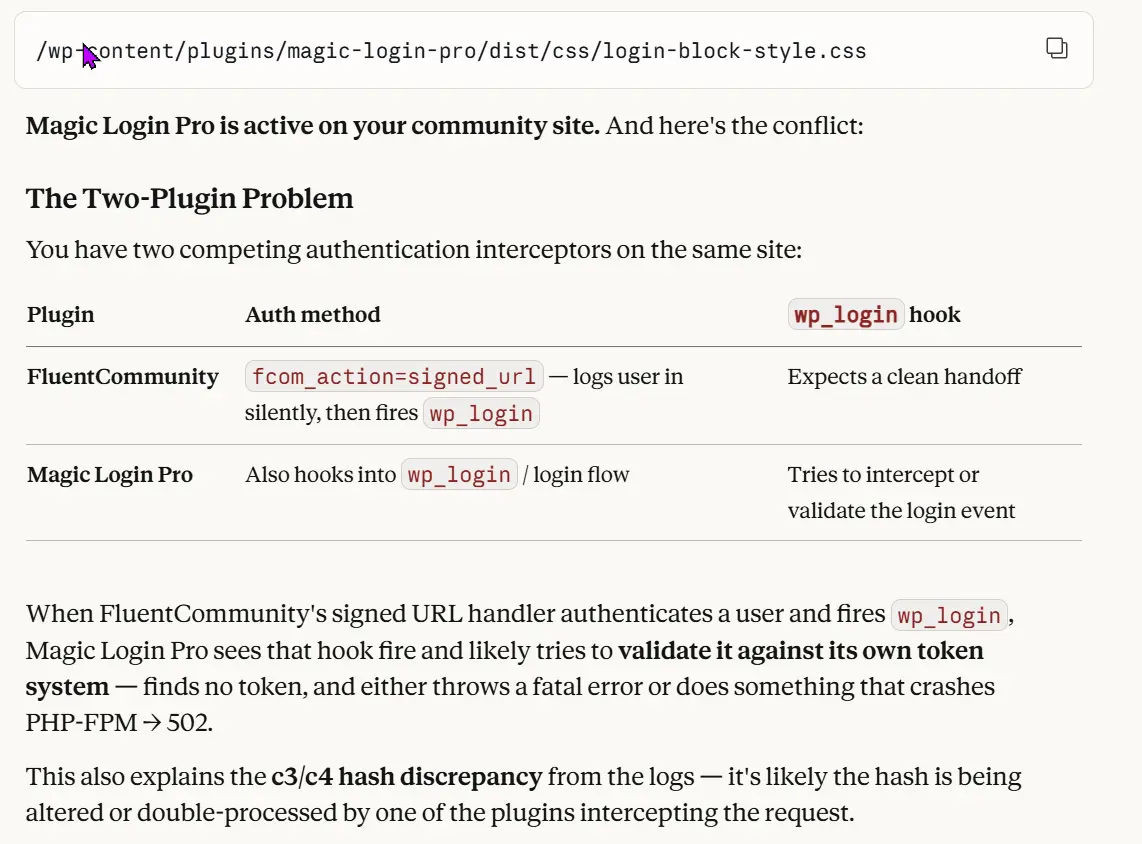
What are your suggestions? See what Claude suggested about a potential conflict.

Sella Yoffe FluentAuth is a better choice : it’s fully compatible with FluentCommunity and includes a sleek magic login feature
Nicolas D thanks. If it were only for auth. its also a security plugin, and im already using one.