

Custom Role Access Issue on Intranet
We are using FluentCommunity Pro in an environment with custom access control for an internal intranet, and we’re facing a specific issue:
We have a custom user role called "colaborador_intranet", which should have access to pages created using shortcodes. However, even after ensuring these users are logged in and have the correct role, they are unable to view the content — only users with the "administrator" role have full access.
Is there a recommended way to ensure that a custom role like colaborador_intranet can have full access to the content protected by spaces and internal pages?
Attached are screenshots of internal pages I created in FluentCommunity that are not visible to a non-administrator user, but are displayed correctly for an administrator user.
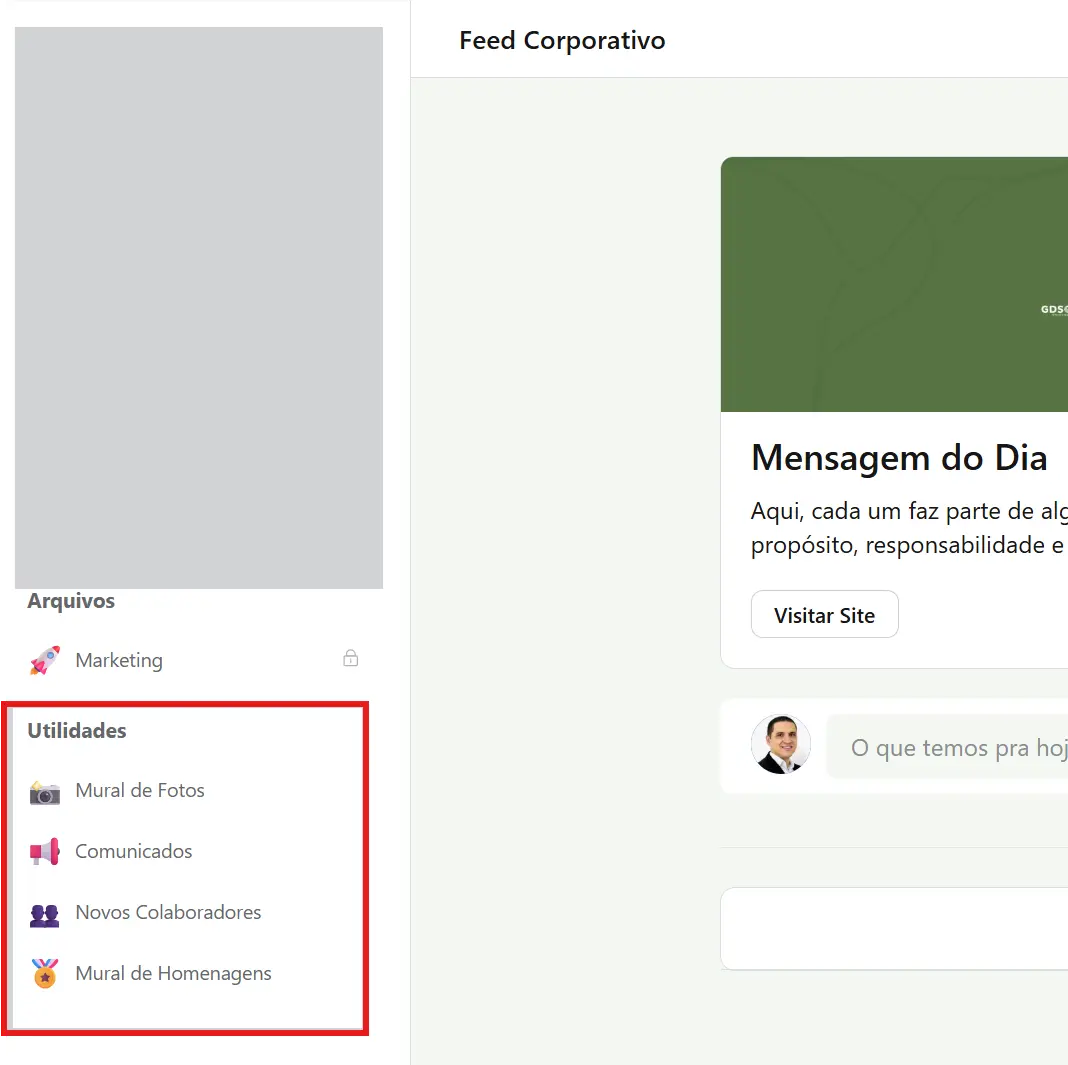
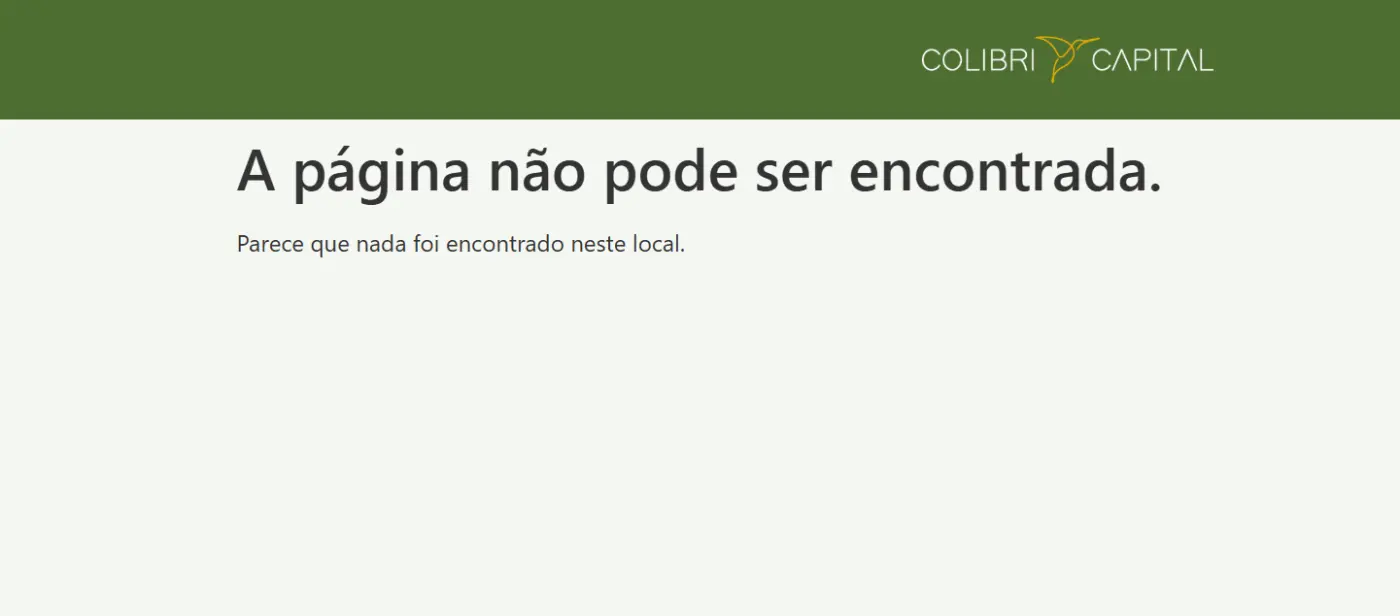
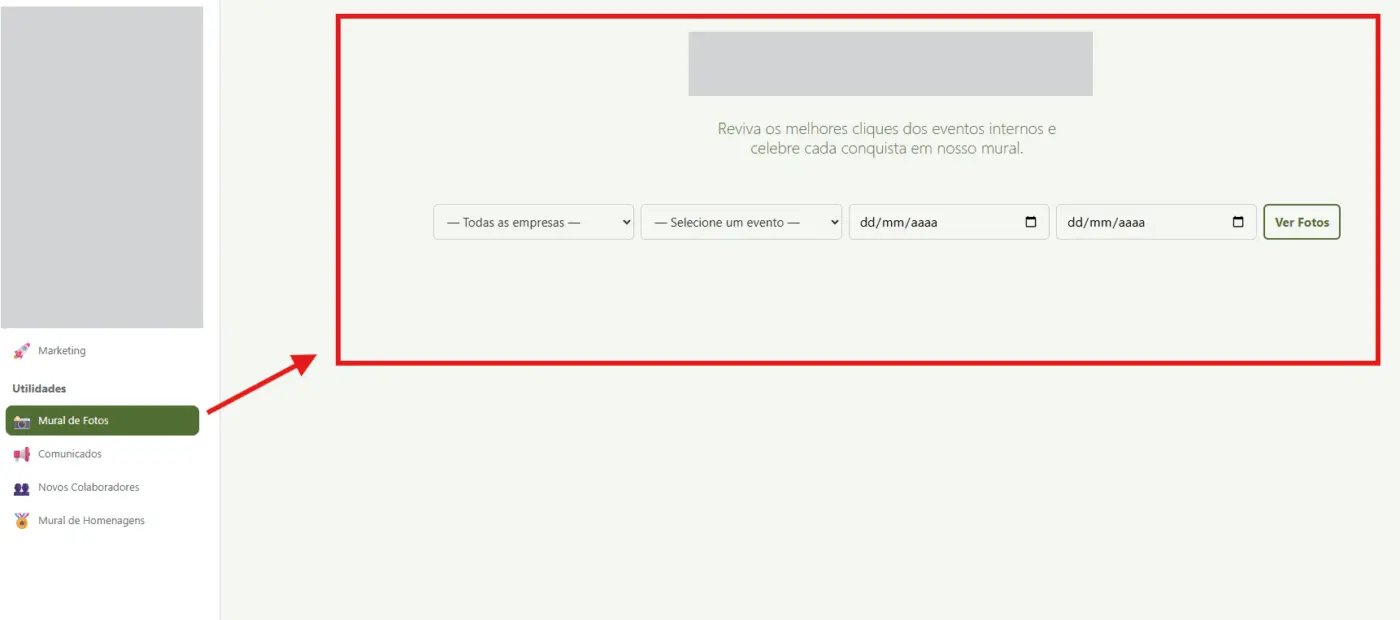

Vanderson Ferreira would FluentCRM solve this with tags?
I'm using a free account for testing, so I'm not sure if FluentCRM would solve your problem.

Actually, the issue is not with the login itself. Even when creating accounts through different methods (Microsoft, Google, etc.), new users are unable to access the pages unless their WordPress role is set to "Administrator." For any other role, the message "The page cannot be found" appears.