

Comment too long error message
I'm trying to add a reply onto one of my posts. It's just a short statement with an attached image. But whenever I try to post it I get the error message that "Comment text is too long"
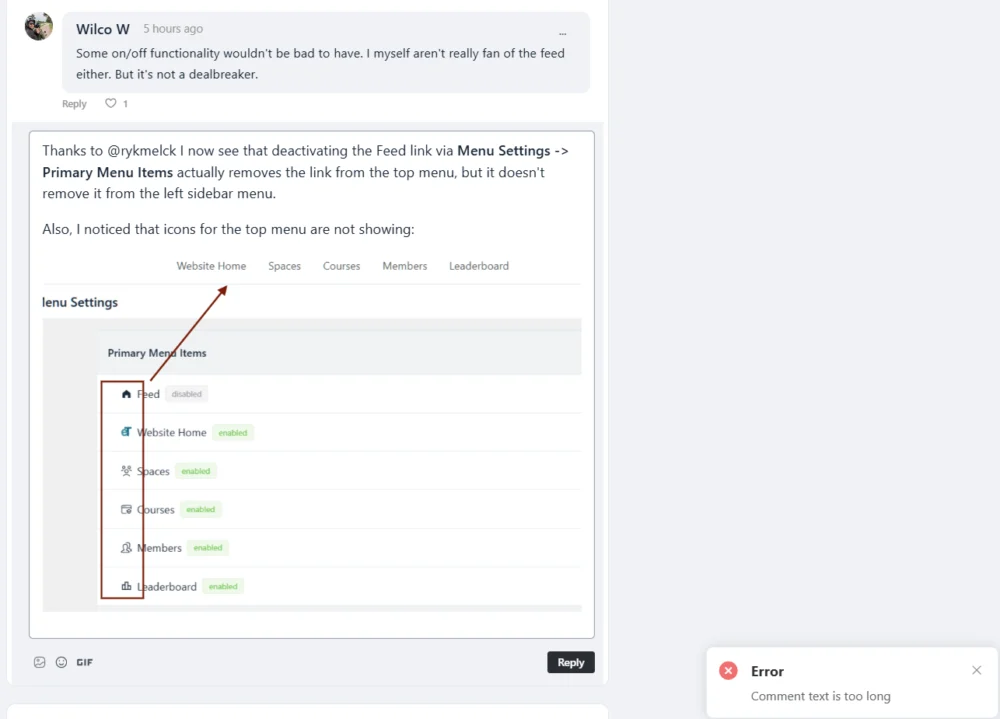


Yep, I'm fine with a Feed link. I just want to control where it is located. I don't see why we need it in both the top menu and the left sidebar. And I don't see why we can disable it in the top menu, but not in the sidebar menu.
So I'm advocating for just letting me control where the Feed link appears... sidebar, top menu, or both.
Back to the subject of this post... is there a limit to the size of an image that can be pasted from the clipboard (Win). I have an image in my clipboard and pasted it in the community. It appears OK in the post editing screen, but when I submit I get the "Content text is too long", even if it is just a couple of words + the image.

Norm Sash the problem is that copied/clipboard images are turned into a base64 format (a long string of characters) when pasted, so it’s hitting the limit.
The larger the dimensions of the image, the longer the character string. For example an 800x600 image could easily have 100,000+ characters when pasted.
Also the limit is done as a safety precaution because someone could easily drop some malicious code via a base64 string if there’s no limit to stop them.

It seems this is going unanswered and im having the same issue. Would be nice to overcome this as we post information fast, we dont always have time to save then upload from a folder.

There is a filter available named 'fluent_community/max_comment_char_length' that allows you to set the max comment length. It looks like it defaults to 10 kilobytes as the max.
Thomas Oates how is that implemented? I was about to start digging into code
Roger Bunch I think this should work although I haven't tested it. You could add it to your functions file or using FluentSnippets.
add_filter('fluent_community/max_comment_char_length', 'setmaxcommentlength', 10, 3);
function setmaxcommentlength( $maxlength ) {
return 100000;
}Thomas Oates Not working in FluentSnippets. I will work with it and see what I can do.
Roger Bunch I added it to my functions file, changed the return value to 10, and it works to limit my responses to only 10 characters. I don't use FluentSnippets much so not sure what may be causing the issue.
Thomas Oates Now this should go in your main themes function PHP file right? That is where I added it.
Roger Bunch Yep, that's where I added it in my site.
Thomas Oates Ok so something is not working right in my install. I limited it to 10 it still allows me to post over 10 chars