

Circle Vs FluentCommunity Course Layout & Onboarding?
Firstly I like the course layout of FluentCommunity where it's a proper LMS with course completion progress etc.
Circle's course layout is different (see screenshots) to the traditional LMS like what FluentCommunity has.
What I do like about the course layout of Circle is one can use it for the onboarding rather nicely like the screenshots for a 'Start Here' section.
Is it possible to do something similar in FluentCommunity like the Circle example attached for onboarding?
Using FluentCommunities course layout for onboarding doesn't really work as it says it's a course with course completion bar etc.
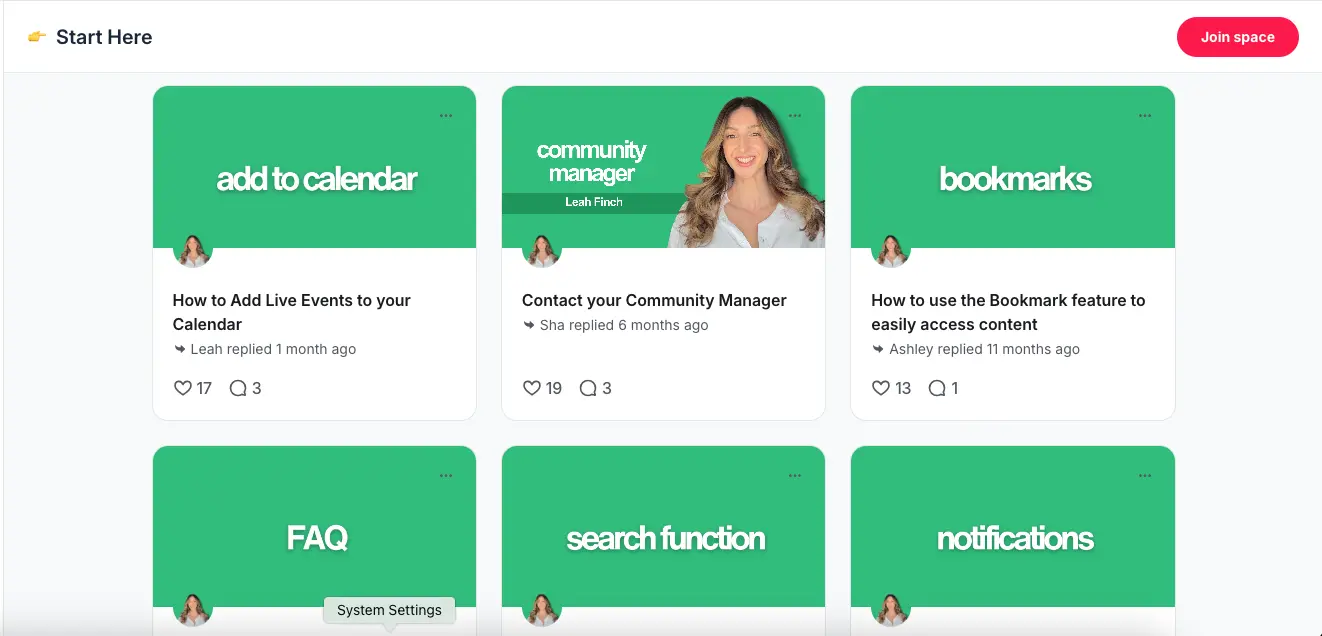
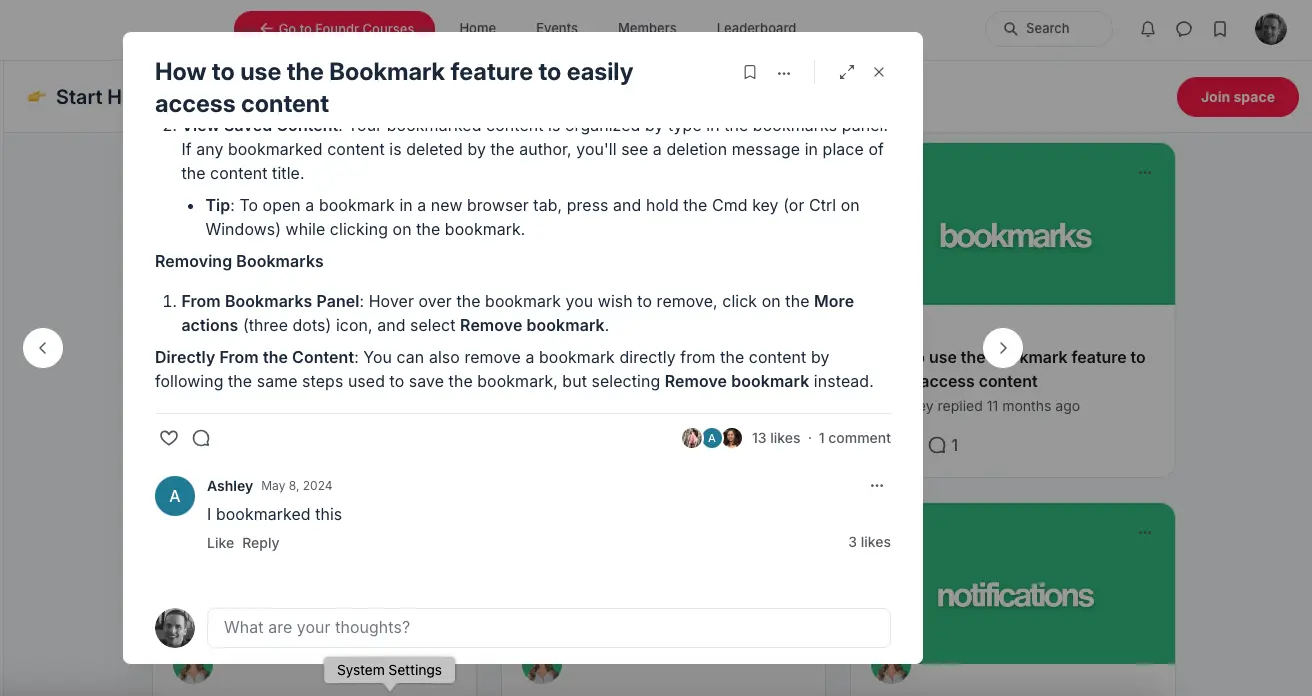

Is this essentially showing lessons as cards instead of a list?

Ross FCA I would say yes cards instead of a list and in it's own individual post, no mention that it's part of a course with course progress bar etc.
Morgan McArthur so it's not really a course? More guidance/docs/blog/wiki shown in card format? With a set of posts curated for a specific space?
How would you see it working? Not under courses then, as a page on your sidebar? As a sub-menu link in a space? Are you creating start here guides for your whole community?
FC team have already said they're not likely to add card-view for courses, so probably best to explain how you see this working and maybe I can look at adding it as a plugin.
Ross FCA not a course correct, the course section is separate with it's courses.
So picture how courses and spaces are displayed as a grid with the various courses and spaces to select. You can click on spaces or courses in the main menu or side bar.
it would be like this i.e a menu option called 'Start Here' or 'Welcome' and when clicked it will take a person to a page looking like the example attached earlier where a person can select to learn more on 'bookmarks', FAQ's, Search Function, Community Guidelines. When clicked it takes them to a separate card post like the other screen example. There doesn't have to be a post/comment section under the text unless it's an option for those who prefer to have.
See brief video to show a couple community examples
Watch Video

Morgan McArthur awesome, that helps a ton. To me this just looks like a typical "posts grid" you would use for your blog posts on standard wordpress. If you had all of these as posts in your backend and then were able to display them in a grid like that and only show ones relevant to each space - that would work? I think I could achieve that.
Ross FCA yeagh it seems like a typical posts grid, nice and neat. The way you explain sounds about right. If you can achieve something like this that would be great! Would there be anything I would have to do my end?
Morgan McArthur Just replied to your course page question, but this would be the same idea. Custom page built using a list block to display a custom set of other custom pages that are your how-to guide.
Ross FCA Thanks Ross this is great, really appreciate you looking into this for me. So how would I go about implementing such a block to display a custom set of other custom pages for the how-to guide?

Ross FCA I'd love to know too :)