

Bug Report: Incorrect OpenGraph Preview Behavior
Hello Team,
I recently joined FC and wanted to flag an issue I've encountered with OpenGraph (OG) metadata rendering when sharing links on external platforms such as Discord.
When sharing links to posts, spaces, or other pages on my site, the preview generated by social platforms displays only a large banner image, with no title, description/excerpt, author name, profile image, profile badge, or website name shown.
I think that either the OG tags are missing, incomplete, or not being parsed correctly by platforms like Discord.
Expected behavior:
Links should generate a rich embed preview including:
- Page/post title
- Short description or excerpt
- Thumbnail/small preview image
- Author name (where applicable)
- Website name
- Full control on what shows up where
Only a large banner image is rendered with no additional metadata.
See attached screenshots for reference, one showing the current behavior on a Space link, and one showing what a correct rich embed looks like.
Shareability is a core part of community growth. Without proper OG support, links shared across social platforms fail to give context, which significantly reduces click-through and discoverability. Fine-grained OG control per post/space would also be a valuable long-term addition.
This bug is currently acting as a hard blocker for my launch. I have been holding off on both soft launching and going live with my site entirely because of how unprofessional the shared previews appear.
I would genuinely prefer zero OpenGraph output and a plain URL over the current state, a bare link is far less damaging to first impressions than a malformed, context-free embed.
Happy to provide additional details or test cases if helpful.
Thanks for looking into this!
What it looks like:

What it should look like:
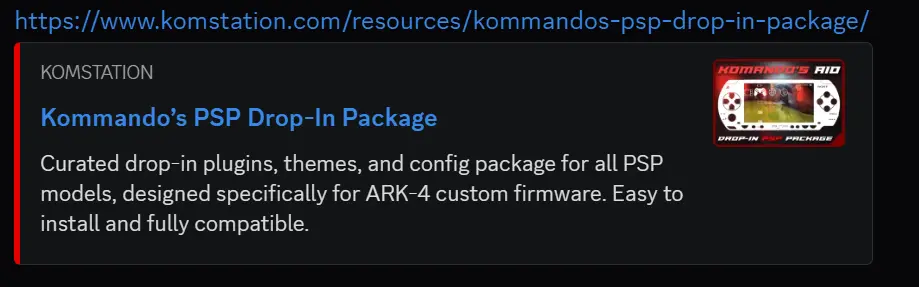
And not all links are following my generic opengraph image:

When filling the "Thumbnail / Open Graph Image"
It overrides the banner and again its a mess with everything mentioned above, those should be separated.
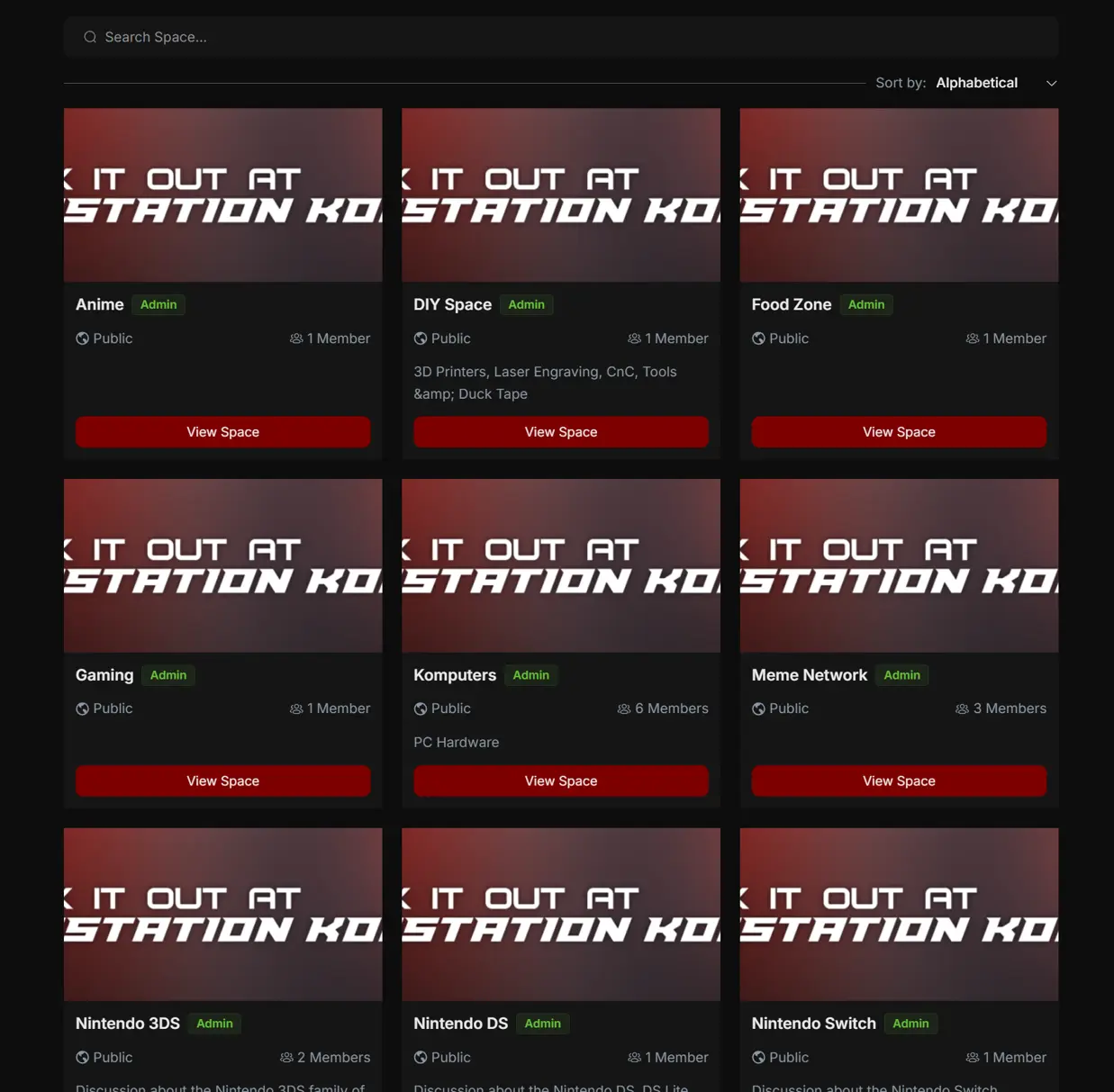

Another example here:
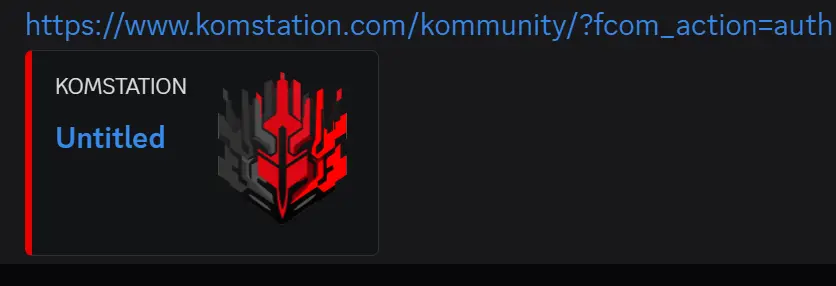

Dear Shahjahan Jewel, could you please confirm that you are aware of this?
Thank you : )

Hello Total Kommando, a large image was generated due to a property named summary_large_image. Removing it, it will preview a small thumbnail (the one you mentioned), and also I fixed the Twitter preview issue, and just checked in Discord, all are generating like the one you mentioned. Here I have shared three types of links: a feed post, a user profile, and a space link, all working fine, still I will give a few more checks.
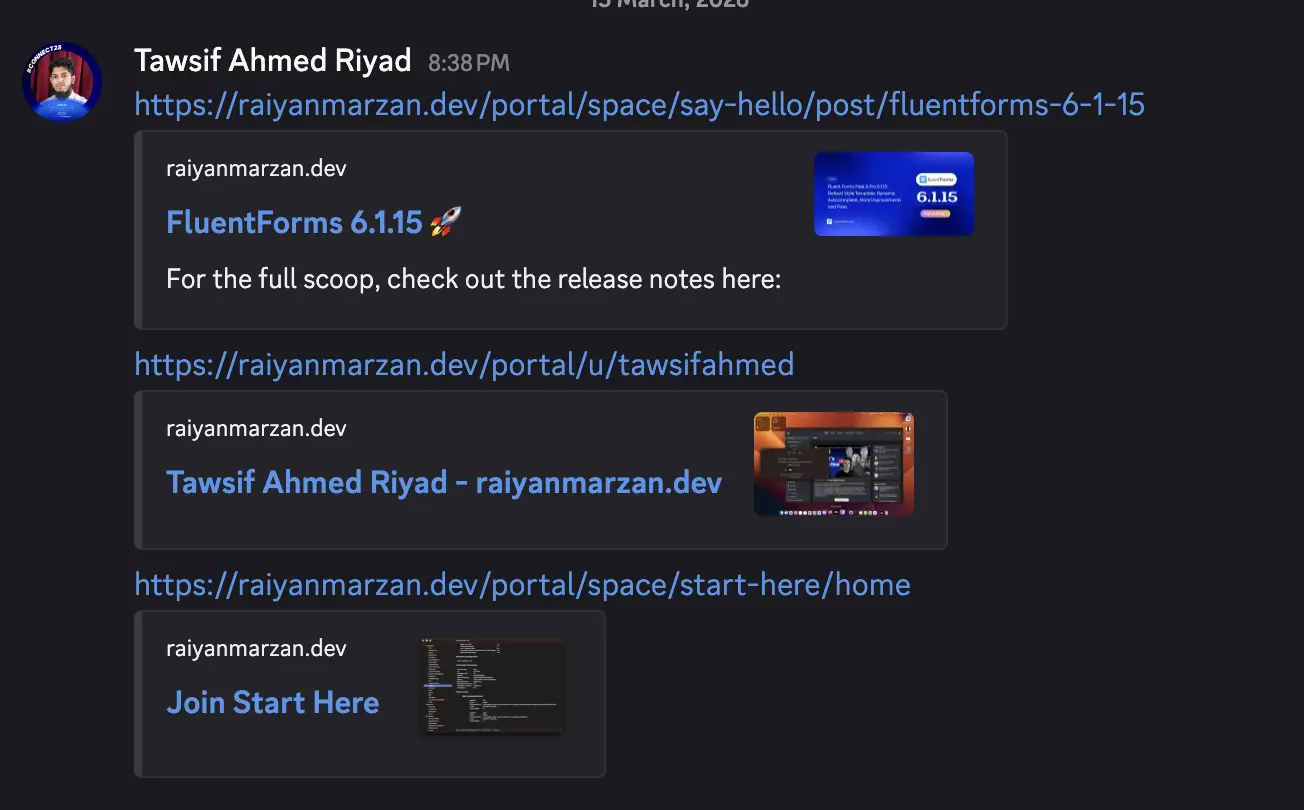
Tawsif Ahmed Riyad Hello Tawsif, thanks for getting back to me on this, thats perfect!
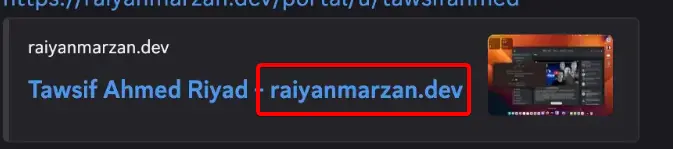
Only thing missing here is the user profile page title is showing the website url, can this be removed, specially for the OG embeds as its redundant and extra long.
Thanks again! cant wait to see it live : )
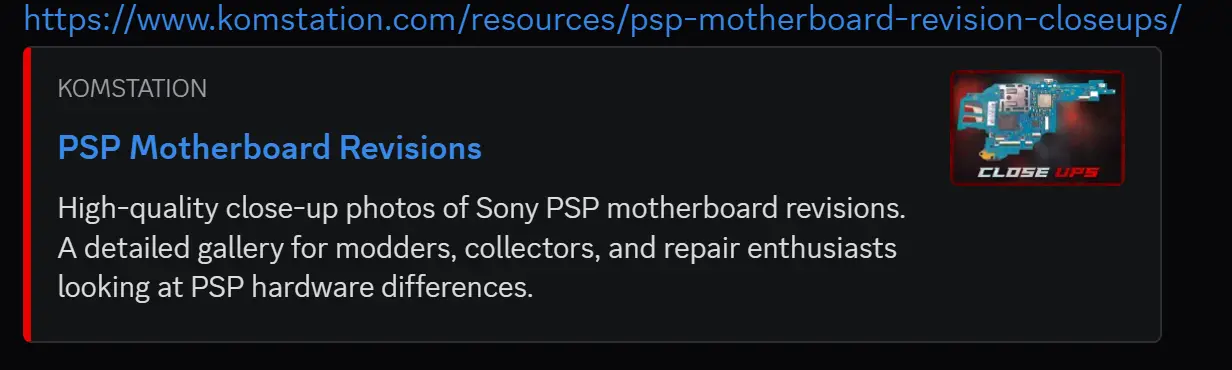
O and if possible include an option to have a color picker for the highlight accent color on the left. Right now its the default gray, if you look at my main site I have it set to red
It would really tie things up together!
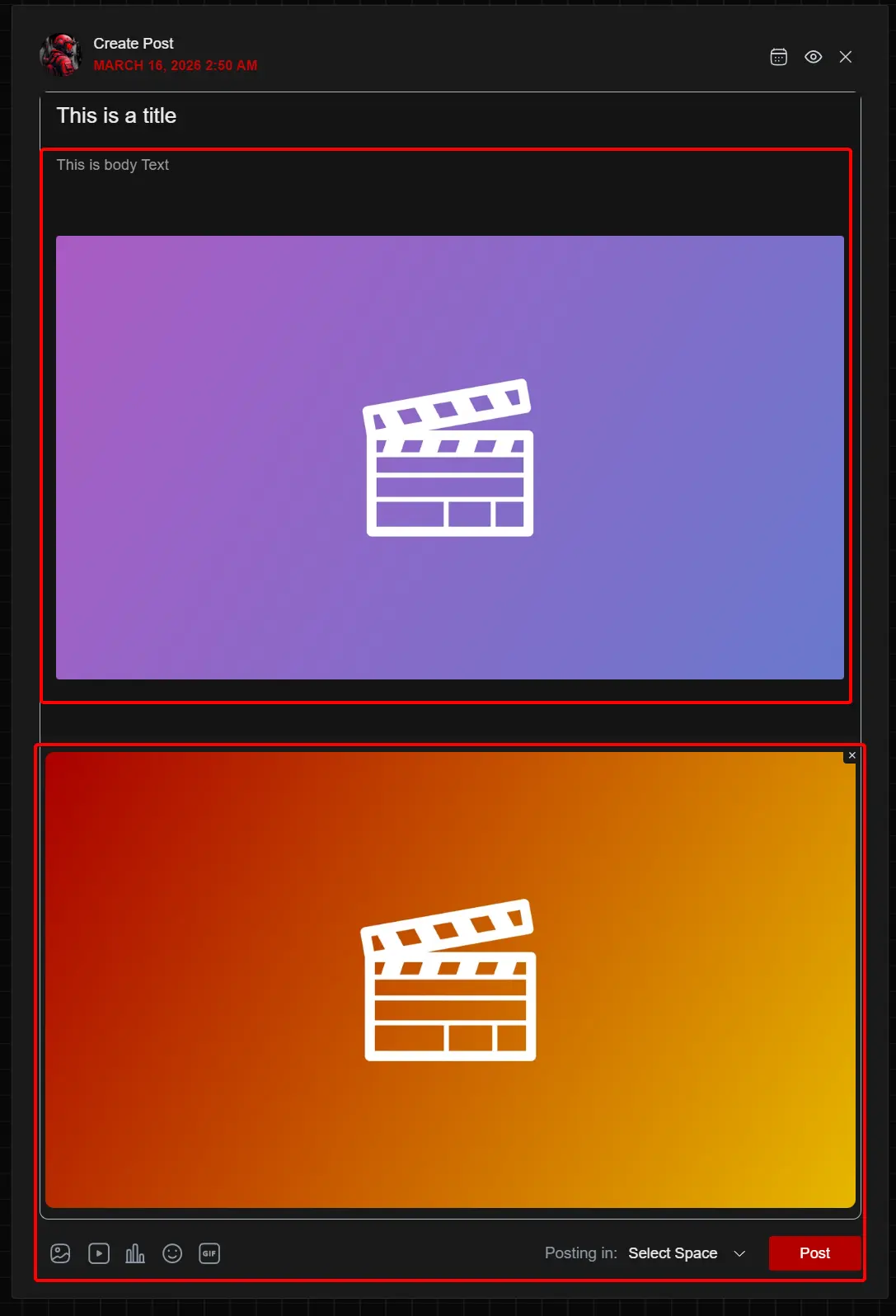
Dear Tawsif Ahmed Riyad, quick question regarding this, there needs to be a fall back or some type of rework to the image upload function, as it seems there are 2 places images can be stored in a post.
- One is inside the body via drag and drop
- The other is using the upload image button
This brings 2 things that need attention
- Will opengraph automatically pick an image from one of these or does it require to always be from a specific point? Is there a fall back between the 2 places?
- Currently one of my users just encountered UI confusion, they thought they can only have either video or image uploaded. They uploaded a video, but when they tried to add an image using the button on the bottom left, it replaces the video, and I have to explain to them how to have both, by dragging and dropping.
Best way to implement it, is to allow users to add a video or photo using the button, and doing so simply inserts into where the users text cursor is currently set in the post body. Because we also cannot drag and drop on mobile
Hope to see this addressed, lookin forward to hearing from you when you read this, would be more than happy to help provide feedback to resolve it.
Total Kommando, firstly, the one you said right next to the user name, that is the site title, not the site URL. For the testing site, the URL is set as the title, which is why it is appearing there.
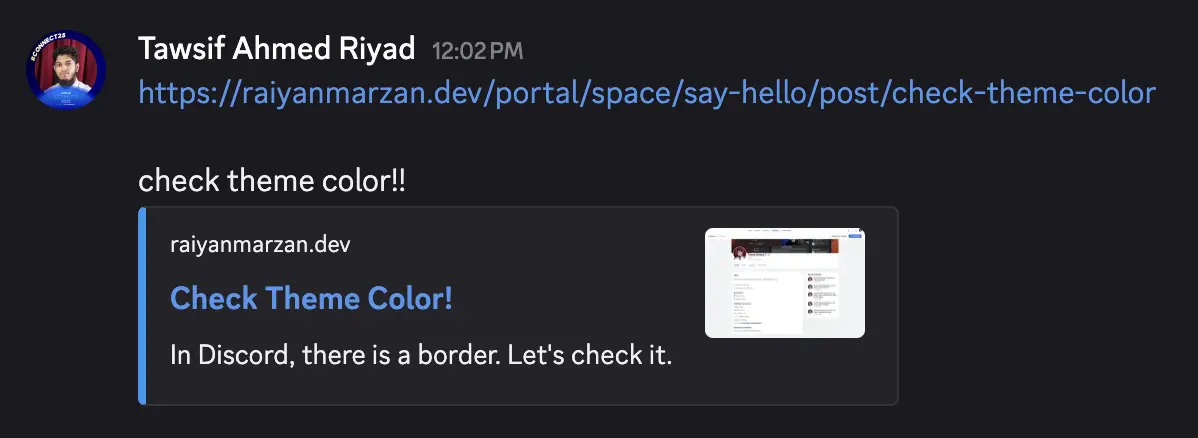
Secondly, I worked on the theme color that appears as the left border in Discord. I have configured it, so now the theme color will appear based on your site. Check the screenshot.
And the last issue you said, I would suggest you open a support ticket (https://wpmanageninja.com/support-tickets/#/) or create another post and address the issue there.
Tawsif Ahmed Riyad Great thanks, excellent work. I will create another post and ticket.