

Bug in Fluent Player in Community on laptop
Hi ! Wonderful upgrade by the way !
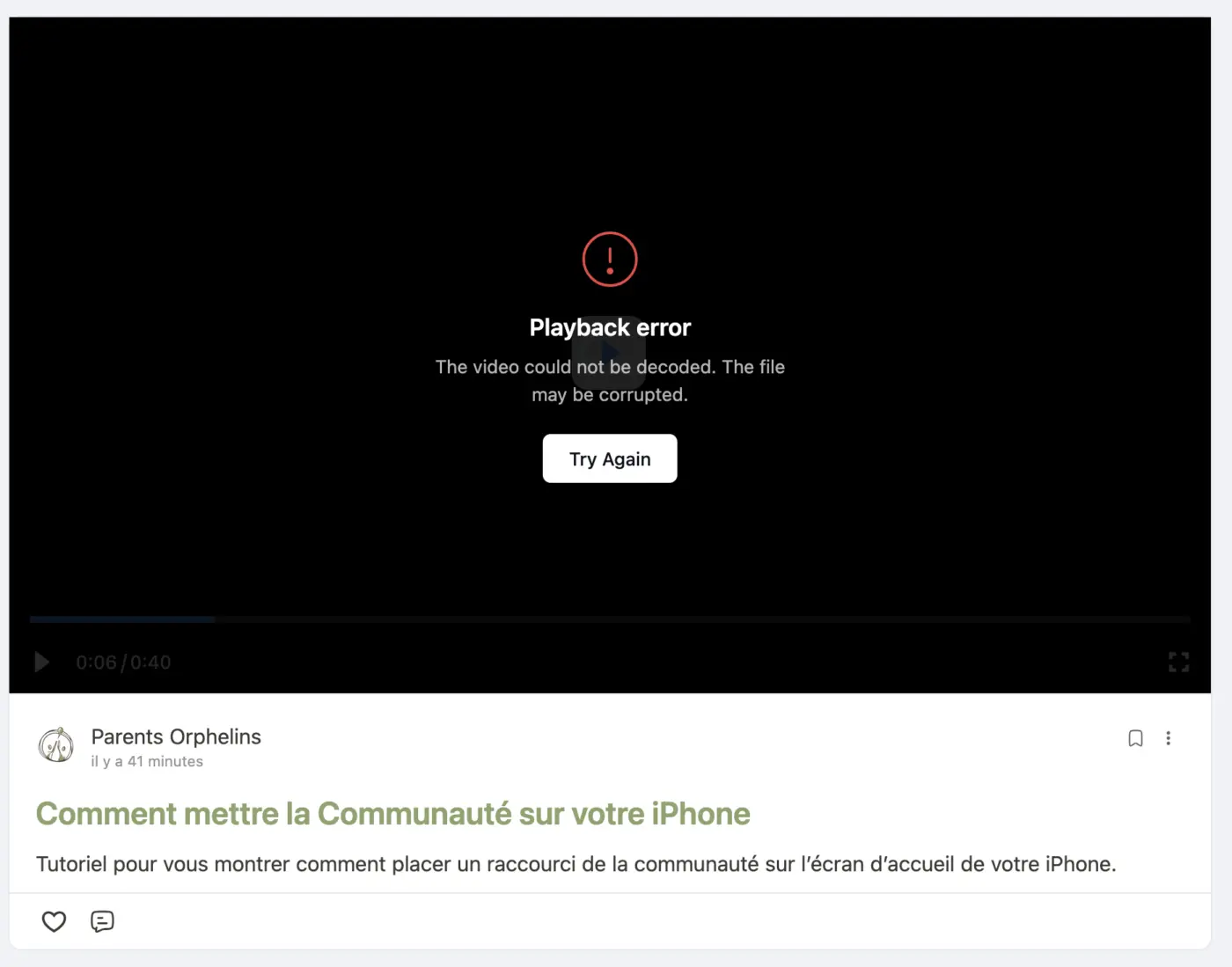
I posted a video in a space with the new upload feature and it works well on mobile, but I can't see the video on my laptop. I have this error message :
"Playback error - This video could not be decoded. The file may be corrupted"

Most probably a video formatting/encoding issue. Which format video it was?

Shahjahan Jewel When entering Full-Screen mode, several UI elements—such as the bottom overlay bars and certain participant frames—are being cut off or obscured. It appears the plugin isn't properly adjusting the aspect ratio to fit the screen, resulting in a "zoomed-in" effect that hides vital information.
Attached is a screenshot showing the missing elements at the bottom of the frame for your reference.
Environment:
Mode: Full-Screen
Issue: Layout cropping/Scaling
Could you please look into a fix for this to ensure the entire video canvas remains visible regardless of the screen size?
Shahjahan Jewel On our feed, posts have rounded corners. However, when a video post is published and the plugin is active, the top corners of the video player lose their curvature and become completely square. This breaks the UI consistency of the site.
As you can see in the attached screenshot, the top edge of the video player does not follow the rounded container of the post, creating a visual mismatch.
Andre Gois Will take a look and improve it.

Shahjahan Jewel It's a video I made on my phone. It's a .mov. The weird thing is the video is playing on my mobile.
Shahjahan Jewel Apparently the bug is only when the video is uploaded from the phone. I sent it to my computer and uploaded it from there and there's no issue.