

BuddyBoss Migration Issue
I used the migration tool to move over data from BuddyBoss. I chose No Menu Item because I thought it would create it's own section to put them in. Now the migrated spaces can't be found. The entries show up in the feed, but the spaces are not in the menu nor are the findable in the backend except for under Access Management where they are listed as Other Spaces. How do I connect these orphaned spaces to a group.
On another note, any images attached to an entry does not display and instead says "Failed to load."
Any suggestions?
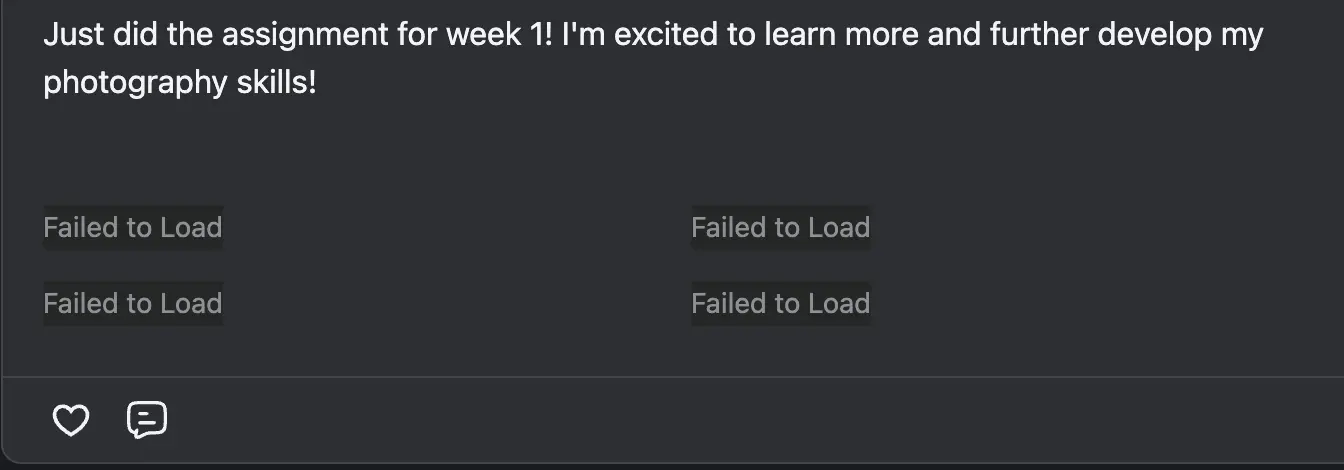

Buddyboss handles media very weird way. I will check again. Would you please inbox me or open a support ticket so I can take a look.

Shahjahan Jewel How about the orphaned spaces? I will submit a support ticket for the media.

Shahjahan Jewel We are facing same issues
Ev Os We will investigate the issue.
By the way, you can find all the unassigned spaces in the Settings -> Space Groups. Also in the All Spaces page and then you can edit and assign the group.
Shahjahan Jewel The four orphaned space groups I migrated do not show up under Space Groups. The only show up under Settings -> Access Management.
Jerad Hill Got it. You can find the orphaned spaces in the All Spaces Page and then go to that space and then add to a group.
In the next version, we will handle that.
Shahjahan Jewel I was able to find them from the front end of Fluent Community in Spaces and then edit the space from there.
Can the image locations be fixed or should I start over with empty Group Spaces?

Nothing is moved normal not even simple text