


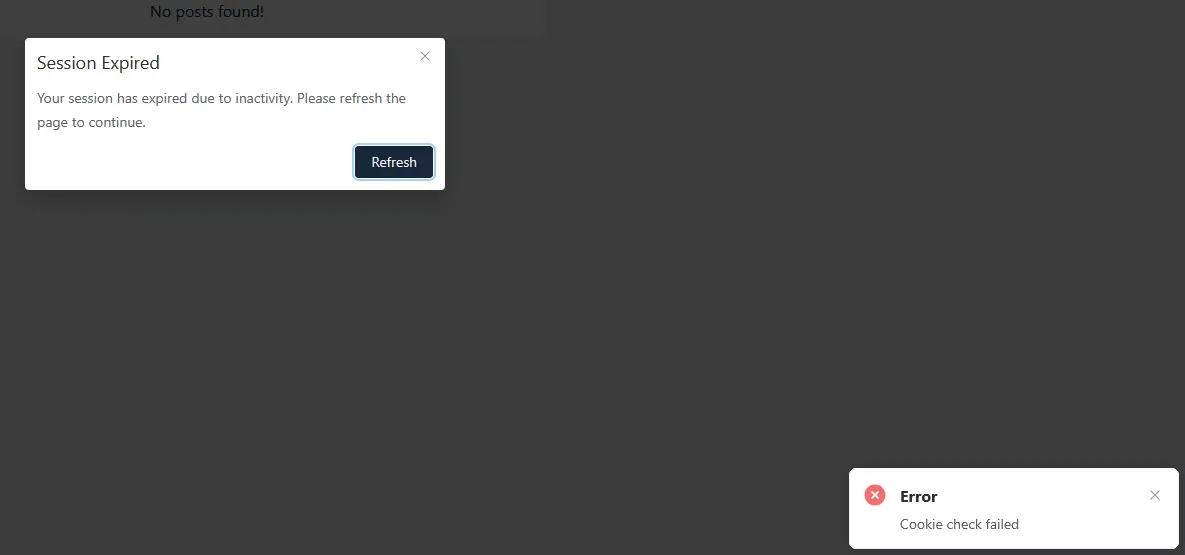
About "Session Expired" even though logged in
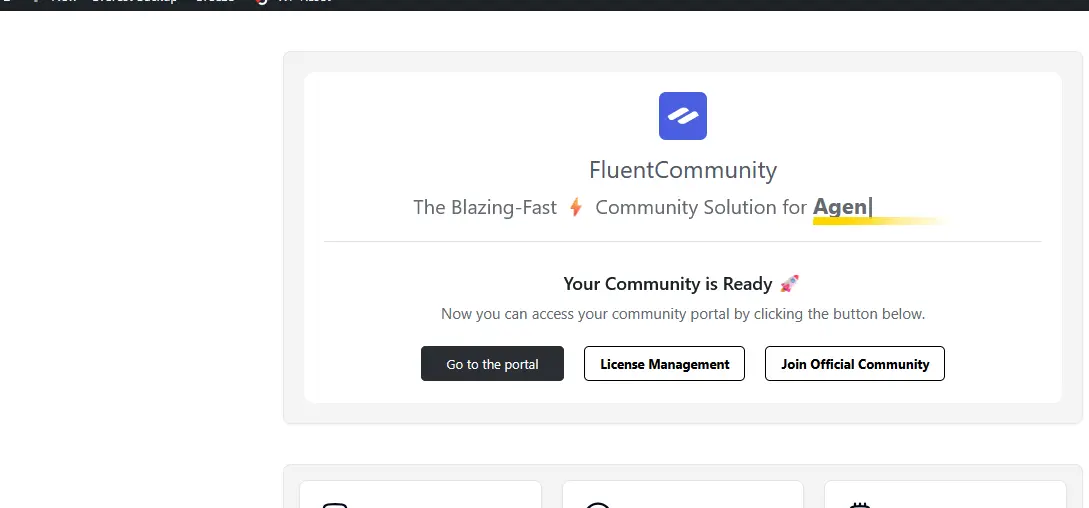
You have to go to "Go to the portal" and go to the plugins management page, then go to the webboard settings page, then it will work normally. I use Breeze – WordPress Cache Plugin.
Please advise. Thank you very much.

Woradon Bunnachart for troubleshooting clear your cache plugin (or disable it) and use a new browser session (for example: incognito mode) and log-in to your fCommunity in one browser's tab only - do not use the metod of clicking that button from your email notifications.
Note: when you use a few browser tabs/windows for your fCommunity and in one browse tabr you were logged-in by clicking the button from your email notifiaction and in the other browser tab you were logged manually via login form then there are two "sessions" with a different nounce and all you need to get rid of the popup warnings is to refesh your browser with F5 key.