

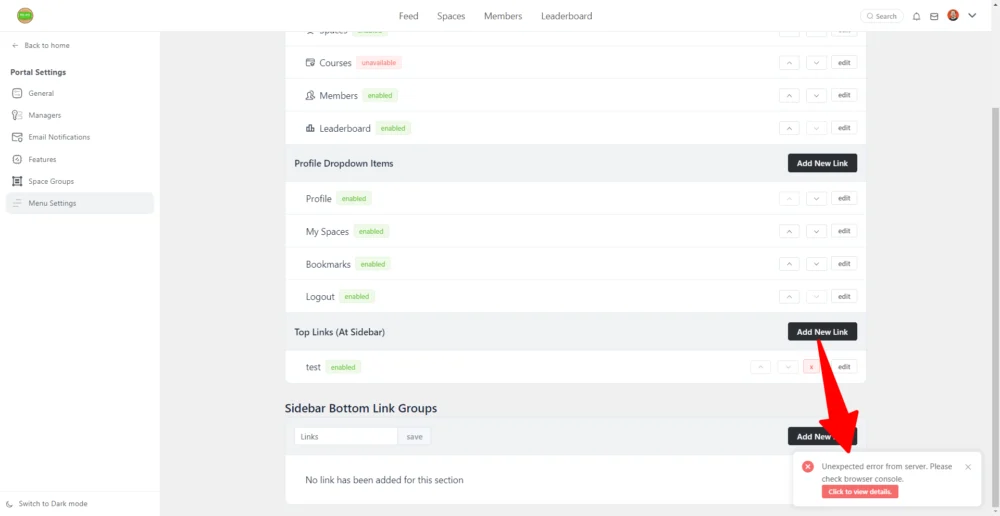
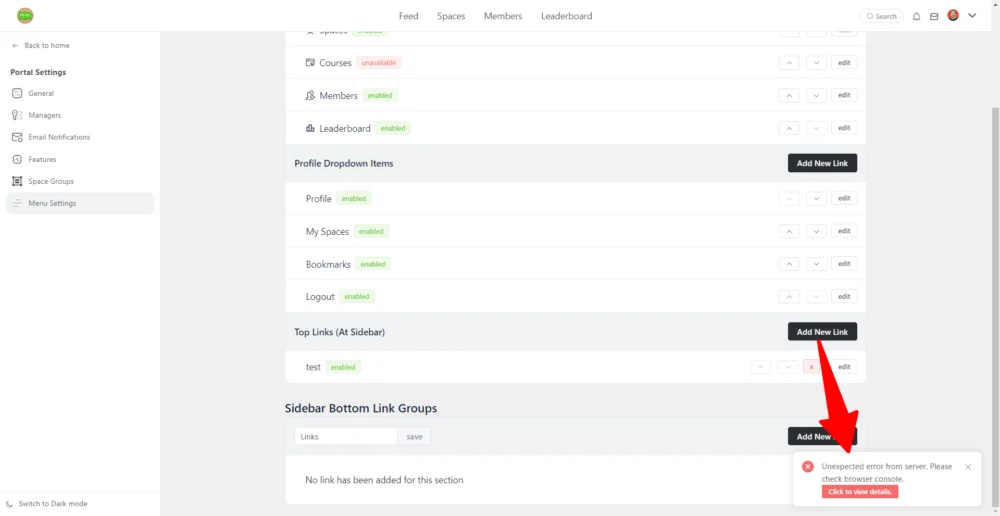
- When I go to Menu Settings and try to add links, I get this error. When I click for new details it gives a popup with a lot of HTML.
- When I go to a space and click the Space Links tab and add a new link, where should it show? I can't find it anywhere (see screenshots).
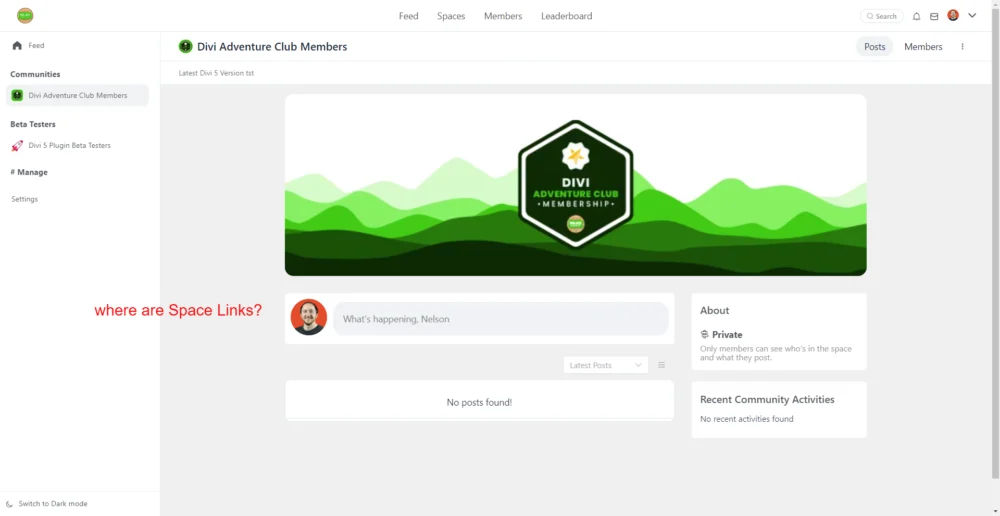

Nelson Miller if you add a Space Costom Link then it will show under the header (subheader) are in that Space. In you add a Course Custom Link then you will see it in that course - same section: under the header.

Mat, Oh thanks, I was expecting it to show in subtabs in the left sidebar.
Nelson Miller, you can add links to the left sidebar too in the Settings > Menu Settings area
domain.com/portal/admin/settings/menu-settings
Enjoy!
Ps. You cannot add links directly into Menu Groups on the left sidebar since currently those links are visible to all users in the fCommunity (they are not manage by Groups or Spaces link custom links we talked above)
Mat, Okay, this seems to be exactly what is not working for me in my original post.
Mat, Shahjahan Jewel do you think this is intuitive having the links at the top? I personally didn't even see them, and it seems very odd to me to have them horizontal at the top. I actually don't like any of the top bar menus. Maybe it's just me 🤷
Nelson Miller, me as the end-user I love it. Any suggestions are welcomed.
We all share a feedback so it can be improved. So feel free...

It would be nice to have the abilty to set default space links or groups of space links instead of having to recreate them each time