


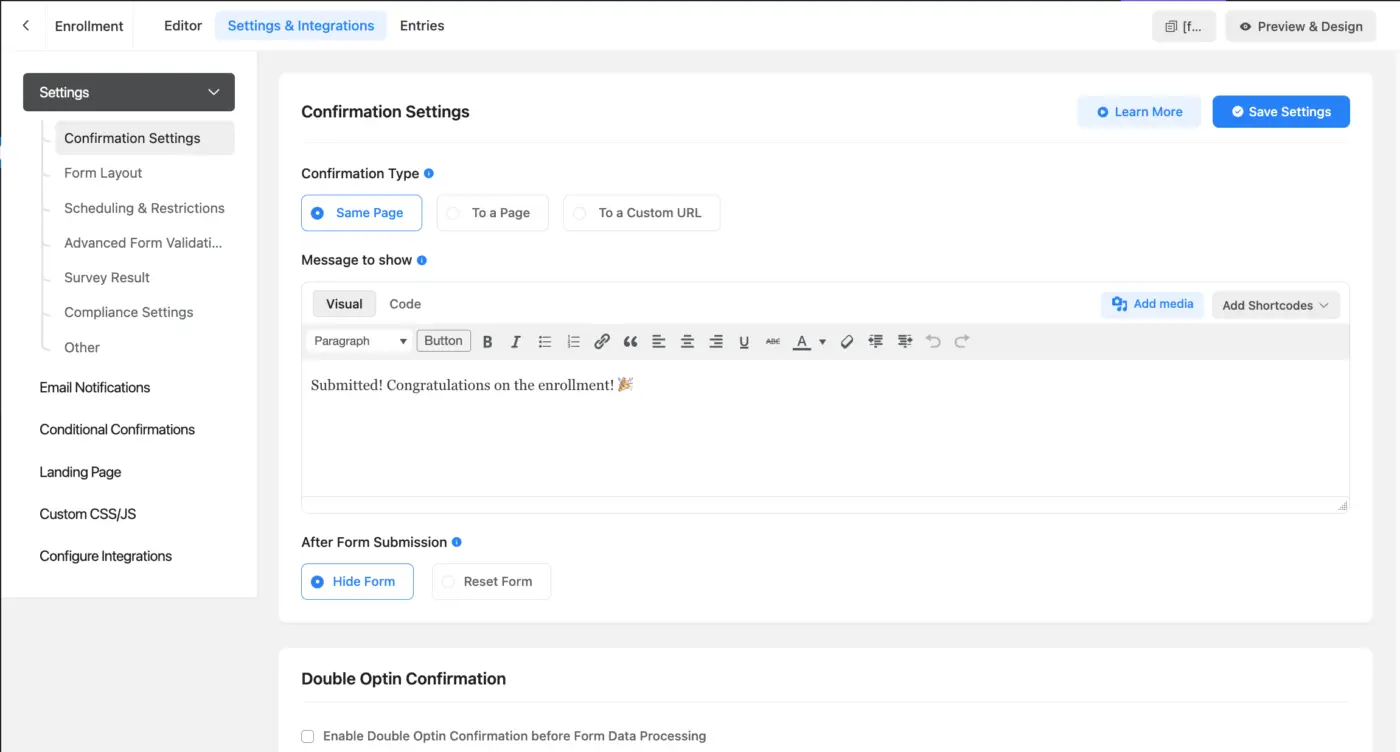
In Fluent Forms, when working on the settings for a form, there is no indication (breadcrumbs, form name) of which form you are working on settings for. It's very confusing. Please add the title of the form to the page.

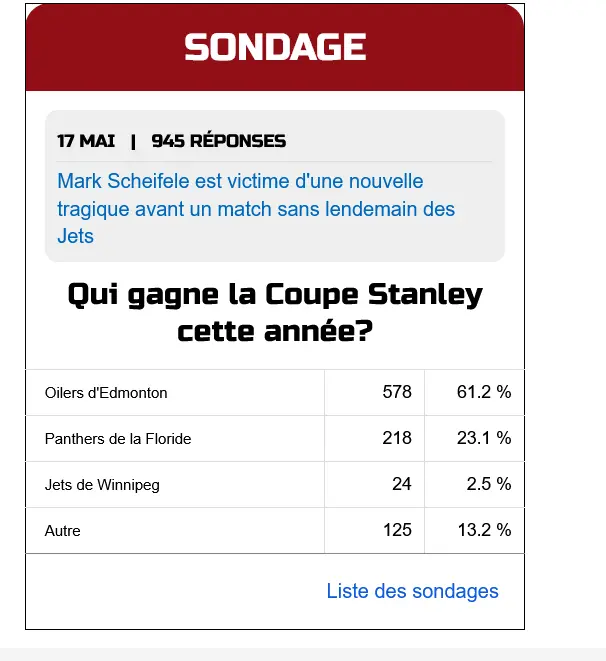
J’aimerais recréer le même sondage que celui présent sur un autre site, en utilisant Fluent Forms, mais je n’arrive pas à le faire fonctionner correctement.
Est-ce que quelqu’un pourrait m’aider à configurer les paramètres du formulaire, s’il vous plaît ?
I’d like to recreate the same survey from another website using Fluent Forms, but I can’t get it to work properly.
Could someone help me configure the form settings, please?
The main point is :
My customer go and fill the quiz they got the result. on the page of my article , they can also see the page where are the oother syrvey . But AFTER SUBMITTING the quiz my custimer should be able to see the result without having going to the resultat page( where ar eall the quiz) I wnat them to be able to see the result every times.
When they close the page, and if they decide to come back in a month , they will be able to see thequiz

We've just rolled out Fluent Forms version 6.1.15 (for both Free and Pro) and it's all about making form building quicker, more consistent, and user-friendly across the board.
Quick peek at the highlights:
- Default Form Styles: Set up a default style template that new forms inherit automatically, great for keeping your branding on point. You can even share styles via JSON and apply them to imported forms.
- Prefix/Suffix Options: Add helpful prefixes or suffixes to Textarea, URL, and Password fields, like icons or hints to guide users.
- Dynamic Autocomplete Field: A fresh field type in the Dynamic Fields module that pulls data on the fly and gives an autocomplete search for stuff like large lists or custom posts.
- Mobile Keyboard Tweaks: Choose the right keyboard type for Number and Mask inputs on mobile, so the numeric keypad pops up when needed.
- Verified Plugins Page: A new spot with hand-picked plugin suggestions that play nice with Fluent Forms.
- Better AI Form Builder Security: Now it properly sanitizes the data when building a form with AI.
- Multiselect Improvements: Smarter keyboard navigation and screen-reader support for easier accessibility.
- Form History Titles: Smarter auto-generated titles in revision history to track changes better.
- Saving Experience Upgrades: Overall tweaks to make saving forms feel smoother.
- PDF Fix for Repeater Tables: Sorted out an issue where repeater tables weren't showing up right in PDF exports.
This update is geared toward saving you time and giving more flexibility, no matter if you're on Free or Pro. Head to your WordPress dashboard to grab the update.
For the full scoop, check out the release notes here: https://fluentforms.com/fluent-forms-free-pro-6-1-15/

I want to hide four fields to do my calculation. There is no direct way to do a hidden calculation. Please help, how do I go about this?

When a user clicks on the form it asks some questions including 2 dates, like arrival date and departure date. I would like to have the Date Picker start in the month the event takes place instead of showing a calendar starting at today's date. I read the documentation and I see I can add some Advance Date Configuration code following the flatpickr js standard. I see I can use minDate to specify the minimum date that a user can start picking from. Perfect, but I can't get it to work. I follow the documented FF example and visited the flatpickr site to see how to code it. I have tried various was of coding it but can't get anything to work. Does this feature work? Yes, I have selected the input date field first and then add the code.
I have tried
{
"locale": {
"minDate": "2026-09-01"
}
}
{
"locale": {
minDate: "2026-09"
}
}
{
"locale": {
"minDate": "2026-09"
}
}
{
"locale": {
minDate: "2026-09"
}
}

How to Add Accordion and Tab Sections in WordPress Forms
→ https://fluentforms.com/accordion-and-tab-sections-in-wordpress-forms/
Gutenberg Block Styler in Fluent Forms: Style Forms Like a Pro
→ https://fluentforms.com/gutenberg-block-styler-in-fluent-forms/
Authorize.net Integration in Fluent Forms for WordPress (Full Setup and use case)
→ https://fluentforms.com/how-to-integrate-authorize-net-with-fluent-forms/
These three were our latest features, released in the last big update of Fluent Forms Free and Pro 6.1.5. Let us know how you are using these features and share your feedback in the comments!

I have used GravityPress with MemberPress for one-time registrations to events and gave them access to streamed archives after the events. When a new event comes around, customers had to be told in some way they needed to login first before proceeding. This was a challenge because we served many different generations of people and had to try to make it as fool-proof as possible for everyone.
Now that I have FluentForms, has anyone had any good experience using FluentForms to create MemberPress registrations and how complicate was this process to set up? I would hate to have to integrate 2-3 other integrations to make this work. WHat has been your experience and can you share with me how you set things up?
Thank you for your input.

I have a fluent form that is creating a post/post feed. I need it to also send to zapier , however it isnt sending the taxonomy text, just the taxonomy number. Has anyone worked out how to send text/field data rather than the id?

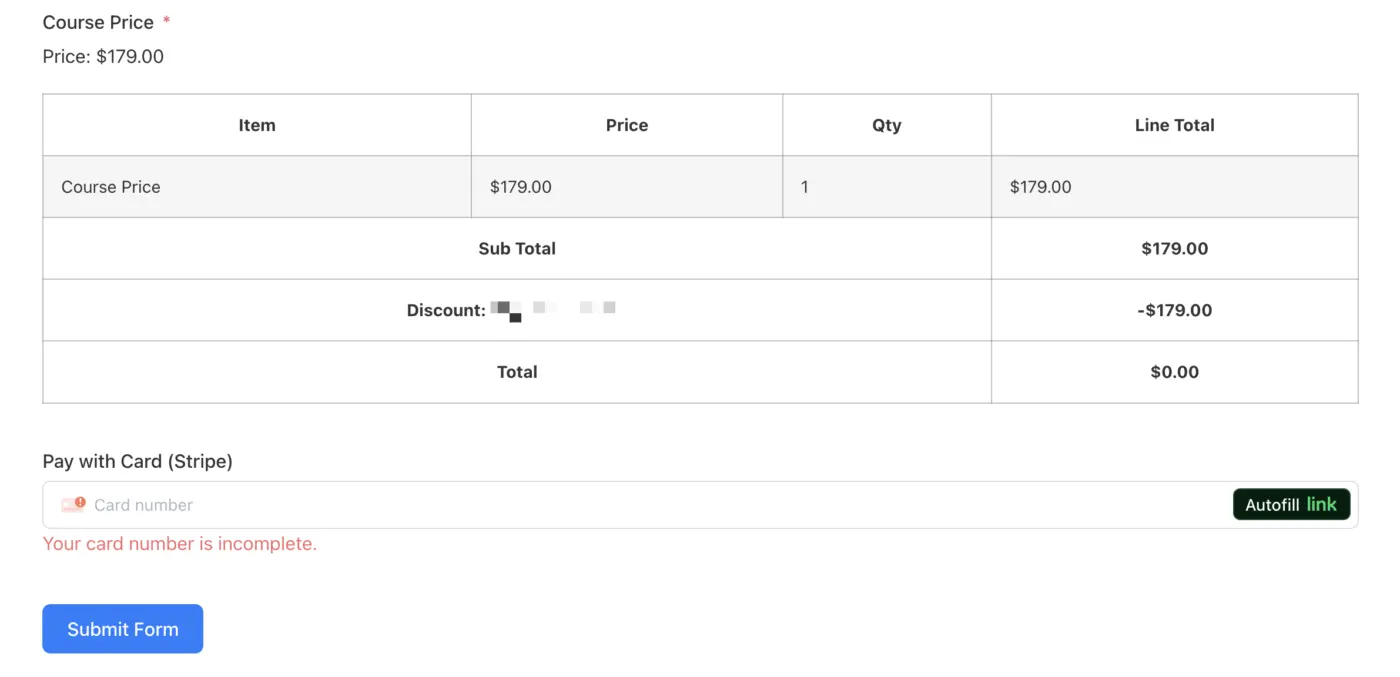
I might be missing something, but if a 100% coupon is used, bringing the total to $0.00, why is the payment method still required to submit the form?

Hi everyone
I recently ran into a question about how to record a form submission date (today's date) and save it into a FluentCRM Date custom field, especially for application / intake workflows.
With help from the Fluent support team, I found a clean and easy solution using the built-in Submission Date, and I put together a short tutorial video explaining the setup step by step. I hope this helps in this community.